

GPS Tracker False Alerts: Common Causes and How to Fix Them
2026 Troubleshooting Guide
GPS Tracker False Alerts: Common Causes and How to Fix Them
Constant unnecessary notifications are the fastest way to start ignoring alerts that actually matter. Here’s how to stop them.
Few things undermine a GPS tracker’s usefulness faster than false alerts. If your phone keeps buzzing over nothing, you’ll eventually start ignoring notifications altogether — including the one time it’s a genuine theft or emergency. Most false alerts trace back to a handful of fixable causes.
🔔 The Most Common Causes of False Alerts
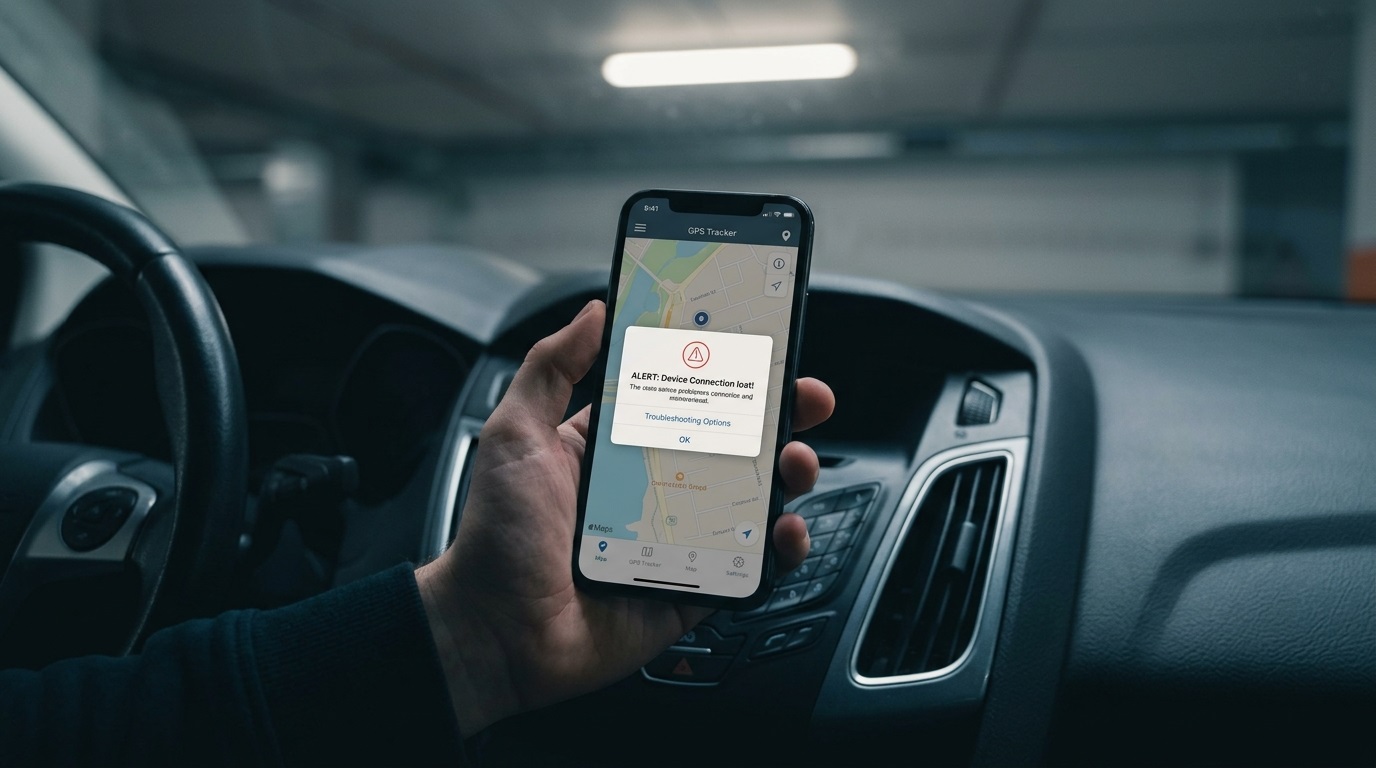
Geofence boundaries set too tight — a geofence drawn right at the edge of your driveway or parking spot can trigger from normal GPS drift, even when the vehicle hasn’t actually moved. GPS drift near buildings and garages — signal reflection in dense urban areas or covered parking can make a stationary vehicle appear to “jump” slightly, triggering motion alerts that aren’t real movement. Overly sensitive motion detection — some trackers let you adjust motion sensitivity; a setting that’s too sensitive picks up vibration from nearby traffic, wind, or even someone brushing against the vehicle. Battery or connectivity drops — a tracker with an intermittent connection can send disconnect/reconnect alerts that look like a problem but are really just a signal hiccup.
🛠️ How to Fix Each One
| Cause | Fix |
|---|---|
| Tight geofence | Widen the radius by 20u201330 meters to absorb normal GPS drift |
| GPS drift in garages/urban areas | Add a brief delay before alerts fire, so momentary drift doesn’t trigger a notification |
| Over-sensitive motion detection | Lower the sensitivity setting in your tracker’s app, if adjustable |
| Connectivity drops | Check antenna placement and confirm the device isn’t shielded by metal panels |
📍 Getting Geofences Right the First Time
Draw geofences slightly larger than you think you need — a tight boundary feels more precise, but GPS accuracy naturally varies by a few meters even under good conditions, and a too-tight fence guarantees false triggers. Test before relying on it — park normally for a few days and check whether the geofence holds without false alerts before trusting it as your primary theft-detection method. Account for your specific parking spot’s conditions — underground or covered parking often needs a more forgiving setup than an open driveway, since signal reflection is more pronounced in enclosed spaces.
⚙️ When to Adjust vs When to Contact Support
Adjust settings yourself first for geofence size, motion sensitivity, and alert delay — these are usually accessible in the app without needing support. Contact support if alerts persist despite reasonable settings, since this can indicate a hardware issue like a failing GPS chip or antenna problem rather than a configuration issue. Check for firmware updates, since manufacturers sometimes release updates specifically addressing false-alert issues reported by other users.
❓ Frequently Asked Questions
Why does my tracker say my car moved when it didn’t?
This is almost always GPS drift, especially near buildings, garages, or dense urban structures — widening your geofence and adding a short alert delay usually resolves it.
Should I turn off alerts entirely if they’re too frequent?
No — adjust the sensitivity and geofence settings instead. Turning off alerts entirely removes the exact protection you bought the tracker for.
Can weather cause false alerts?
Yes, in some cases — heavy storms can occasionally affect GPS signal quality temporarily, though this is less common than geofence or sensitivity misconfiguration.
🔗 Related Reading
For general upkeep beyond alert settings, see our GPS Tracker Maintenance guide. If accuracy issues are part of what’s triggering false alerts, see How Accurate Are GPS Trackers, Really?. And for connectivity-related causes, see 2G Network Shutdown: Is Your GPS Tracker at Risk?. For general GPS signal accuracy background, see the GPS.gov accuracy reference.
✅ Final Thoughts
GPS tracker false alerts are almost always fixable through geofence sizing, motion sensitivity, and alert delay settings rather than a fundamental device problem. Getting these right early means you can actually trust your notifications when something real happens.
🔔 Get Alerts You Can Actually Trust
Explore GPS trackers with adjustable sensitivity and geofencing built in.