

GPS Tracker Apps: What Features Actually Matter
2026 App Buyer’s Guide
GPS Tracker Apps: What Features Actually Matter
The hardware gets most of the attention, but the app is what you’ll actually use every day. Here’s what’s worth prioritizing.
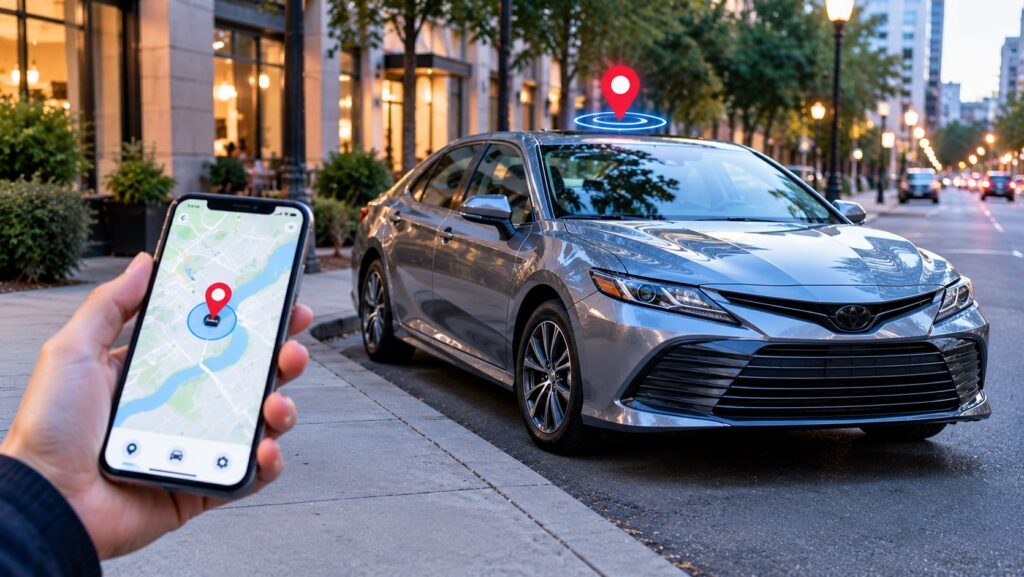
Two GPS trackers with nearly identical hardware specs can feel completely different to own, and the deciding factor is usually the GPS tracker app itself — the interface you’ll actually open dozens of times a month. A great device paired with a clunky app is a frustrating combination, so it’s worth evaluating the software as carefully as the hardware.
📱 Core Features Every Good App Should Have
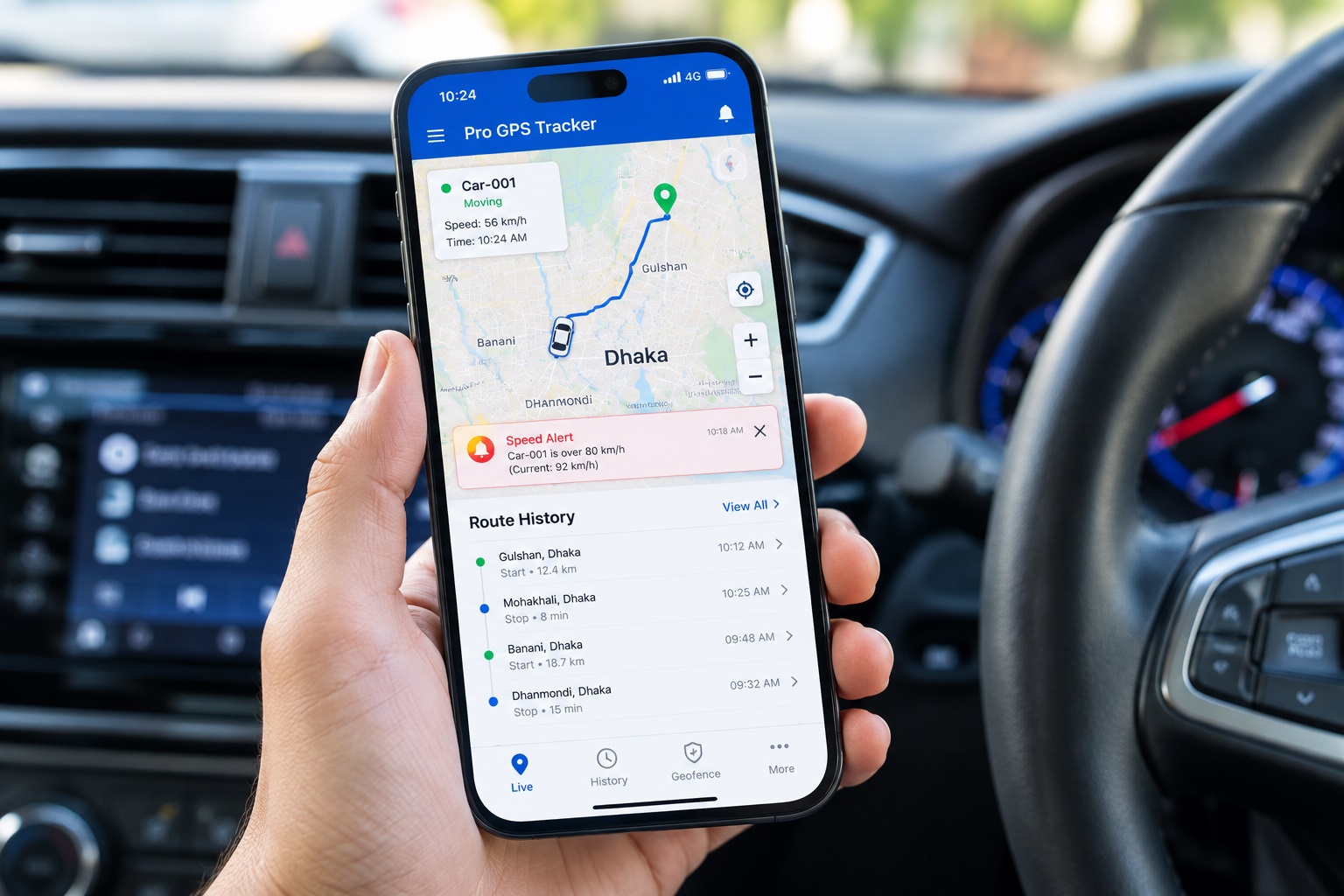
Clear, responsive live map — the map should load quickly and update smoothly, without lag between the device reporting and the app reflecting it. Simple geofence creation — drawing a boundary should take seconds, not require digging through nested menus, since this is a feature most owners set up once and rarely revisit unless it’s genuinely easy. Trip history that’s actually readable — a scrollable list of timestamps and coordinates is far less useful than a visual route history you can scan at a glance. Push notifications that are reliable — an alert that arrives minutes late, or not at all, defeats the purpose of real-time tracking entirely.
📊 Features Worth Comparing Between Apps
| Feature | Why It Matters |
|---|---|
| Multi-device dashboard | Essential if you’re tracking more than one vehicle or asset from a single account |
| Shared/family access | Lets multiple people view the same device without sharing one login |
| Historical data retention | Some apps only show a few days of history; others retain months |
| Export or reporting tools | Useful for business fleet use, insurance documentation, or dispute resolution |
🛠️ How to Actually Evaluate an App Before Buying the Hardware
Look for a demo video or screenshots before purchasing, since many manufacturers show the actual app interface in product listings or on their website. Check app store reviews specifically for software complaints, not just hardware reliability — a pattern of “app crashes” or “notifications don’t work” reviews is a meaningful red flag independent of how good the device itself is. Confirm both iOS and Android support if your household uses different platforms, since a family-shared tracker needs to work for everyone who’ll use it. Check whether a web dashboard exists alongside the mobile app, which matters more for business or fleet use where checking from a desktop is often more practical.
🔔 Notification Settings Worth Understanding
A good app lets you customize which alerts you actually want — motion alerts, geofence breaches, low battery, speed thresholds — rather than forcing an all-or-nothing notification approach. Over-notification is a common complaint that leads people to mute alerts entirely, which defeats the purpose of having them. Taking a few minutes to tune notification settings to what genuinely matters for your situation, rather than accepting the defaults, makes a real difference in whether you actually pay attention when an alert does matter.
❓ Frequently Asked Questions
Does a better app justify paying more for a tracker?
For many owners, yes — the app is what you interact with daily, and a frustrating interface can make an otherwise capable device feel unreliable even when the hardware is working perfectly.
Can I switch tracker brands without losing my data?
Generally no — most apps don’t support data export or migration to a different provider’s platform, so trip history typically stays with the original app if you switch devices.
Why do some apps require a subscription just to use basic features?
The app and its live-map, alert, and history features are usually powered by the same backend that provides the device’s cellular connectivity, so app access is often bundled into the overall subscription rather than sold separately.
🔗 Related Reading
If notifications feel unreliable, see our guide on GPS Tracker False Alerts: Common Causes and How to Fix Them. For the hardware side of this decision, see Wired vs Portable GPS Trackers: Which Should You Choose?. And before buying, our GPS Tracker Buying Checklist covers the ten questions worth asking. For general mobile app privacy evaluation tips, see the FTC’s mobile app security guidance.
✅ Final Thoughts
A GPS tracker app deserves as much evaluation as the hardware itself, since it’s what determines whether the device feels genuinely useful day to day or becomes an ignored notification source. Prioritizing a responsive map, reliable alerts, and an interface that’s actually pleasant to use pays off far more than most buyers expect going in.
📱 Find a Tracker With an App You’ll Actually Use
Explore GPS trackers built with clean, reliable companion apps.