


GPS Tracker Not Working? Common Problems & How to Fix Them
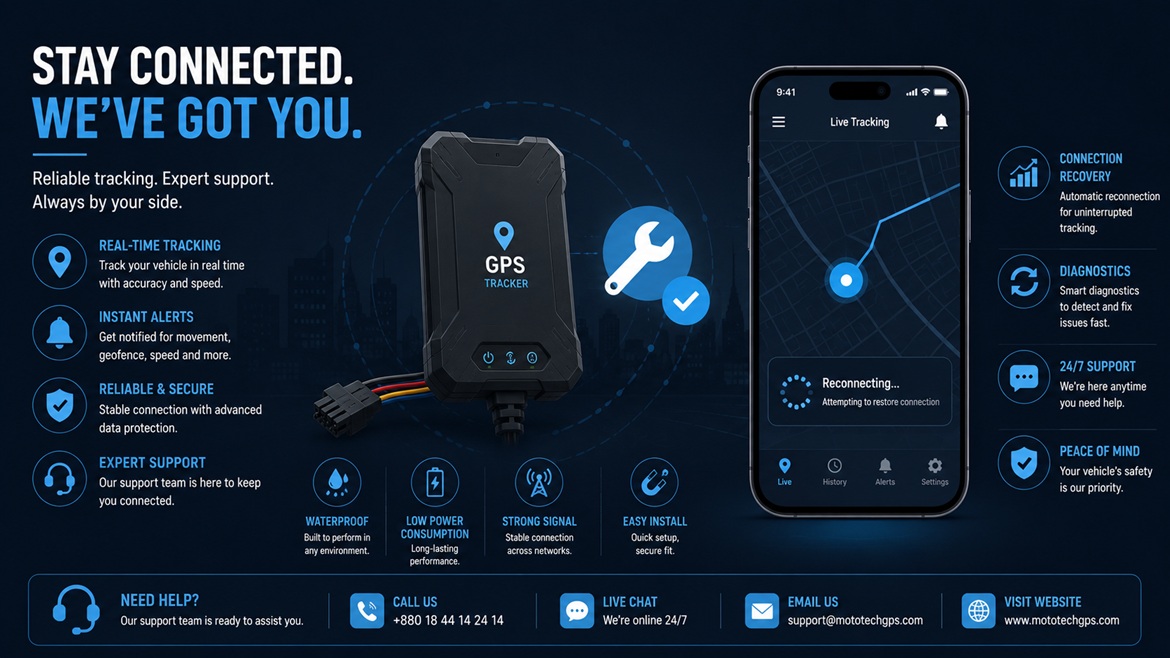
GPS Tracker Not Working? Here's How to Fix It
From no location signal to draining batteries, here are the most common GPS tracker problems and exactly how to solve each one.
Almost every GPS tracker owner runs into at least one frustrating issue eventually — a device that suddenly shows no location, an app that won't sync, or readings that seem wildly inaccurate. Most of these problems have simple, well-understood causes rather than requiring a replacement device. This guide walks through the most common issues and how to resolve them, in the order worth checking first.
🔴 Problem: No Location Showing At All
Symptom: The app shows "no signal," a blank map, or the last known location from hours or days ago.
This is almost always a connectivity issue rather than a hardware failure. The device may have lost cellular signal, run out of data on its SIM plan, or be positioned somewhere that blocks GPS reception entirely, like a metal-enclosed parking structure or deep underground.
🔋 Problem: Battery Draining Too Fast
Symptom: A battery-powered tracker needs charging far more often than expected, sometimes within just a day or two.
Battery drain is usually tied to how frequently the device is set to report its location. A tracker set to update every few seconds will drain considerably faster than one checking in every few minutes, since frequent cellular transmission is one of the most power-intensive tasks the device performs.
📍 Problem: Inaccurate or Jumping Location
Symptom: The tracker shows a location that's clearly wrong, or the position jumps erratically between updates.
This typically happens when GPS signal reception is weak or obstructed — common causes include the device being mounted somewhere with limited sky visibility, parked in a dense urban area surrounded by tall buildings, or installed inside a metal enclosure that interferes with satellite signal.
📵 Problem: Device Shows "Offline" in the App
Symptom: The app or dashboard displays the device as offline, even though you believe it should be active.
This generally points to either a power issue (the device has lost its power source entirely) or a connectivity issue (the SIM has stopped working or the device has moved out of coverage). Distinguishing between these two causes is the key first troubleshooting step.
📲 Problem: App Won't Sync or Update
Symptom: The app opens fine but location data seems frozen or won't refresh.
This is often an app-side issue rather than a device problem, particularly if the device's own indicator light suggests normal operation. App caching issues, an outdated app version, or a temporary server-side glitch are common culprits.
📋 Quick Diagnostic Table
| Symptom | Most Likely Cause | First Thing to Check |
|---|---|---|
| No location at all | Connectivity or SIM issue | SIM data balance and active status |
| Fast battery drain | Reporting interval too frequent | Location update frequency setting |
| Inaccurate/jumping location | Weak GPS signal reception | Mounting position and sky visibility |
| Shows "offline" | Power loss or expired subscription | Wiring/battery, then subscription status |
| App won't sync | App-side glitch | Restart app, check for updates |
🛠️ General Troubleshooting Steps to Try First
❓ Frequently Asked Questions
Why does my tracker work fine at home but lose signal elsewhere?
This usually points to inconsistent cellular coverage in specific areas rather than a device fault, particularly in underground parking, rural areas, or locations with weak signal from your specific SIM provider. Testing whether other phones on the same network struggle in that same location can help confirm whether it's a broader coverage issue rather than something specific to your tracker.
Can extreme heat cause a tracker to stop working temporarily?
Yes — sustained high temperatures, particularly relevant across Gulf summers, can trigger thermal protection features in some devices that temporarily reduce functionality or shut down until the device cools. If this happens repeatedly, relocating the device to a less heat-exposed mounting position is worth trying before assuming a permanent hardware failure.
How do I know if the problem is the device or my phone's app?
If possible, check the tracker's status through a web browser dashboard rather than only the phone app, or ask someone else to check the same account on a different device. If the location data appears correctly through an alternate access method, the issue is likely app-specific rather than a genuine device or connectivity fault.
🚨 Problem: Constant False Movement Alerts
Symptom: The tracker keeps sending movement or geofence alerts even though the vehicle hasn't actually gone anywhere unusual.
This is typically a sensitivity or configuration issue rather than a hardware fault. Overly sensitive vibration detection can trigger from normal environmental vibration, like a nearby truck passing or construction noise, while a geofence set too tightly around a parking spot can trigger false exits from minor GPS positional drift even when the vehicle hasn't moved at all.
Should I reset the device to factory settings if nothing else works?
A factory reset is a reasonable step once you've ruled out subscription, connectivity, and positioning issues, since it clears any corrupted configuration that might be causing unusual behavior. Keep in mind this typically erases custom geofences and settings, so you'll need to reconfigure them afterward — worth trying before assuming the hardware itself needs replacing, but not usually the first troubleshooting step.
✅ Final Thoughts
Most GPS tracker problems trace back to a handful of common causes — connectivity, power, positioning, or app-side glitches — rather than a genuinely faulty device. Working through these systematically, starting with the simplest checks like SIM status and app updates before moving to physical inspection, resolves the vast majority of issues without needing a replacement. When in doubt, reaching out to your provider's support with specific details about the symptom speeds up getting back to reliable tracking considerably faster than guessing at fixes.
🛠️ Still Having Issues?
Contact our support team with your device model and specific symptoms — most issues are resolved quickly with the right diagnostic steps.